
Speed from GPS is accurate to within about 0.1–0.5 mph under a clear sky, and it gets noisy — or drops out for a second — in tunnels, parking garages, and dense city streets where satellite signal bounces off buildings. For everyday driving, sprint timing, and track days, that's more than good enough. Here's why.
What "speed from GPS" actually means
A phone's GPS chip doesn't measure speed directly — it measures position, several times a second, and calculates speed from how far you moved between readings. That's different from your car's speedometer, which counts wheel rotations. We go deep on the exact math in how a GPS speedometer actually calculates your speed; this post is about what that accuracy means once you're actually driving.
How accurate is GPS speed in real driving conditions?
Highway vs. city vs. tunnels
On an open highway with a clear view of the sky, modern phone GPS locks in fast and holds steady — errors under half a mile per hour are typical. Drop into a downtown grid with tall buildings and "urban canyon" signal reflection creeps in, occasionally spiking a reading for a second before it corrects. Tunnels and covered parking kill GPS entirely until you're back under open sky.
Cold starts
The first 10–30 seconds after opening a GPS app — a "cold start" — can show a jumpy or low-confidence speed reading while the chip locks onto enough satellites. Give it a few seconds before trusting the number.
Where GPS speed accuracy actually matters
None of this is academic if you're using GPS speed for more than a glance at the dash. A few places it counts:
Sprint timing
TripRank's 0-100 timer and quarter-mile timer both derive elapsed time from GPS speed samples — exactly why sampling rate and cold-start handling matter more here than in casual driving.
Live speedometer
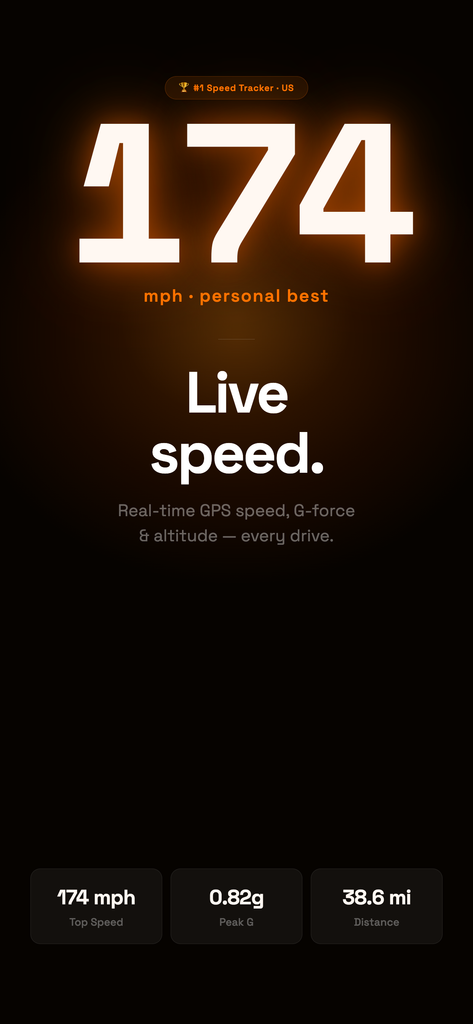
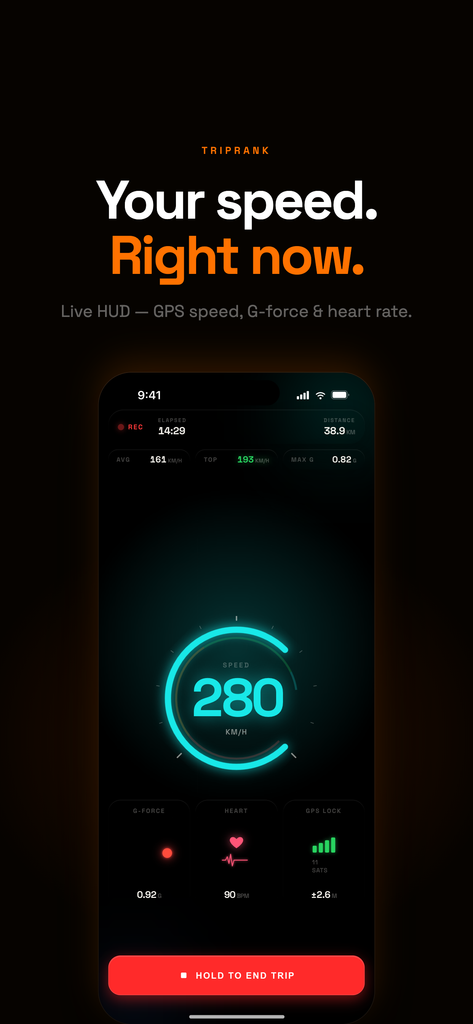
TripRank's Live Speedometer shows your GPS speed in real time on the dash, updated multiple times a second.
Track days
On a closed track — wide open sky, consistent line, no tunnels — GPS speed is about as clean as it gets, which is part of why it's a reliable base for lap and sector analysis. See our track day app page for more.
GPS speed vs. your car's speedometer
| GPS speed | Car speedometer | |
|---|---|---|
| How it's measured | Position change over time (satellites) | Wheel rotation × tire circumference |
| Typical accuracy | Within ~0.1–0.5 mph, clear sky | Reads 2–4% high by design/legal margin |
| Affected by | Signal blockage, satellite lock, sampling rate | Tire wear, tire size, calibration |
| Best for | Consistent trip data, sprint timing, comparing drives | In-cabin reference while driving |
How TripRank keeps GPS speed accurate
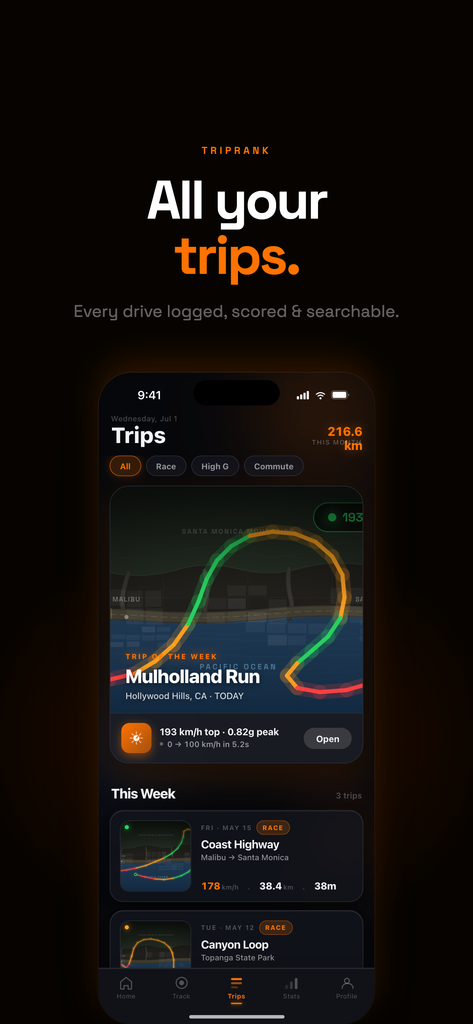
TripRank samples position at a high rate during active trips and blends it with the phone's motion sensors — the same sensor-fusion approach covered in our GPS speedometer deep dive — so speed readings stay smooth even when raw GPS gets briefly noisy. That's the foundation every stat in the app builds on, from your live speed on the dash to your sprint times.
FAQ
Is speed from GPS accurate enough to trust?
Yes, for the vast majority of driving. Under open sky it's typically accurate to well under 1 mph, though it can lag briefly in tunnels or dense urban areas.
Why does GPS speed differ from my car's speedometer?
They measure completely different things — GPS tracks position over time, while your speedometer counts wheel rotations. Most car speedometers are calibrated to read slightly high.
Does weather affect GPS speed accuracy?
Rain and clouds don't meaningfully affect consumer GPS. What matters is a clear view of the sky — buildings, tunnels, and dense tree cover are the real culprits.
Bottom line
Speed from GPS is precise enough for real driving, real sprint times, and real trip data — you just need to know where it struggles (tunnels, cold starts, urban canyons) and where it shines (open road, track days). TripRank uses it as the backbone for live speed, sprint timers, and every stat in your drive history. Download TripRank and see your real GPS speed on the dash.