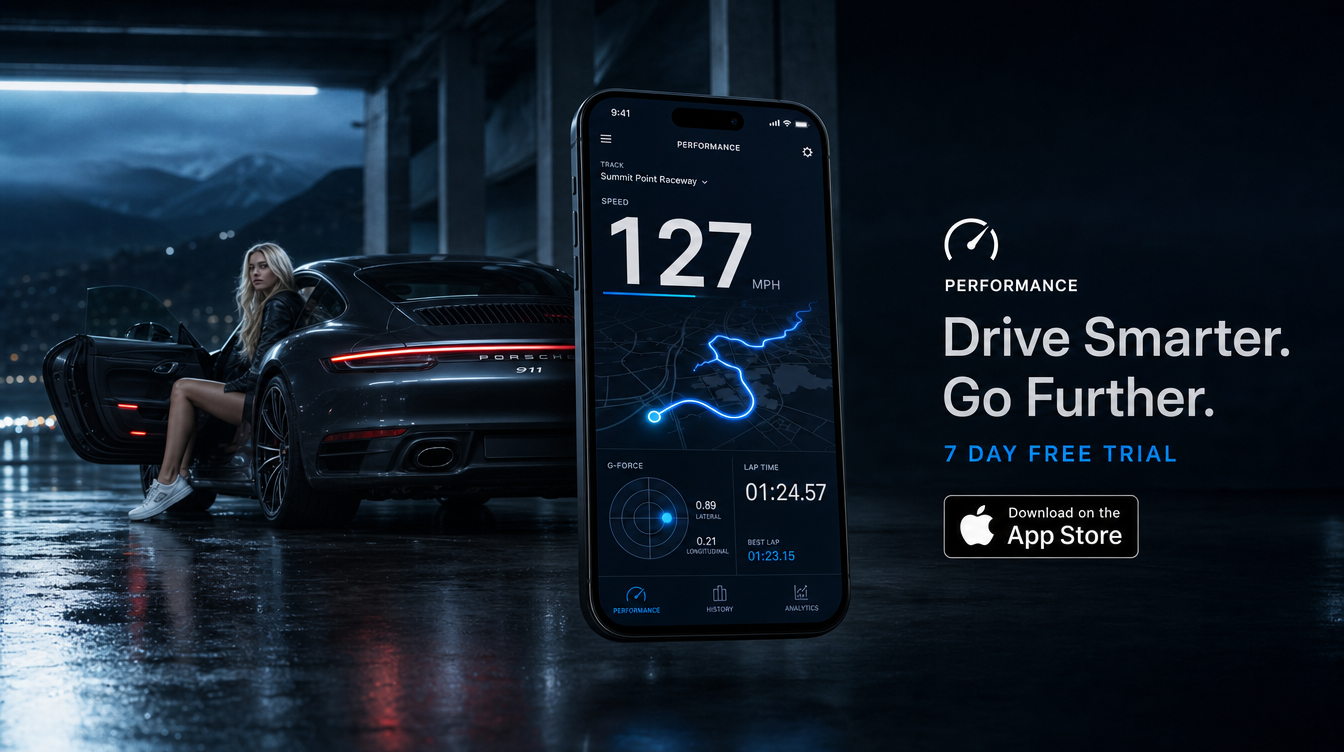

Getting a believable sprint time from a handset is less about luck and more about method. How to measure 0-100 km/h accurately with a phone comes down to understanding what the device is actually recording, what conditions make the data clean, and how to judge whether a result is worth keeping.
This guide explains how phone-based timing works, why sample rate matters more than GPS accuracy alone, and how to make runs repeatable. It also covers the main error sources, how road slope and direction affect the result, and when to trust a number versus when to discard it. For any acceleration testing, use a closed circuit or private venue only.
What a phone is actually measuring
A phone does not read wheel speed in the way a car’s own systems can. Sprint timing apps derive results from a location trace and the speed calculated from that trace. TripRank states that its 0-100 km/h, 0-200 km/h and 400 m sprint times are extracted automatically from the GPS trace, rather than started and stopped with a manual button press.
That distinction matters. A button-timed result includes human reaction time at both ends. A trace-based result instead looks for the moment the car passes 0 km/h and the moment it reaches 100 km/h, then calculates the elapsed time between those points.
Modern phones also do more than rely on satellite signals alone. Google notes that location accuracy may use Wi-Fi, cell towers, GPS, the accelerometer, gyroscope and barometer. That does not turn a phone into professional test equipment, but it does explain why current devices can produce useful acceleration data when the signal is clean and the sampling is frequent enough.
Why 0-100 timing is harder than a simple speed readout
Displaying current speed is one task. Measuring a short acceleration event is another. A speedometer-style number can look stable even if the data behind it arrives relatively slowly. A 0-100 km/h run, by contrast, depends on identifying two time points accurately during a window that may last only 3.5 to 8.0 seconds in many performance cars.
If the phone samples position and speed too slowly, the app has fewer points to work with as the car moves through the run. That can blur the exact start and finish moments. TripRank’s own guidance says sprint accuracy depends more on sample rate than on GPS chip quality alone, and its GPS-speed guidance also notes that more frequent position readings improve acceleration and braking detection.
This is why two phones can show similar cruising-speed accuracy yet produce different-quality sprint data.
Why sample rate matters so much
Sample rate is simply how often the receiver records a fresh measurement. Consumer GNSS receivers commonly support 10 Hz measurement rates, while some higher-end automotive-grade solutions can go to 100 Hz. At 10 Hz, the device records data every 0.1 seconds. At 100 Hz, it records every 0.01 seconds.
For a short acceleration run, those intervals matter. A 0.1-second timing difference is enough to change the meaning of a result when owners compare cars, tyres or launch methods. This does not mean every phone produces true 10 Hz sprint-quality data at all times, but it does explain the principle: more frequent, clean samples usually give the app a better basis for identifying the 0 km/h and 100 km/h crossing points.
| Measurement rate | Time between samples | What it means for 0-100 timing |
|---|---|---|
| 1 Hz | 1.0 s | Too coarse for credible sprint timing |
| 10 Hz | 0.1 s | Common baseline for usable phone-based acceleration data |
| 50 Hz | 0.02 s | Finer event detection where supported by the sensor stream |
| 100 Hz | 0.01 s | High-end automotive-grade territory |
TripRank also records G-force at 50 Hz across four axes. That is separate from the GPS trace used for sprint timing, but it reinforces the same broader point: when measuring short dynamic events, higher-rate sampling helps.
The five conditions for a believable run
If you want a number you can compare later, the setup matters as much as the phone.
- Open sky above the car. A clean satellite view helps the receiver maintain a stronger, more stable location trace. Trees, buildings, tunnels and underpasses can degrade the data.
- A flat surface. Even a mild incline can help or hurt the result. If you do not control grade, you are not comparing like with like.
- A straight section. Keep steering inputs minimal. A straight run reduces extra variables and makes the trace easier to interpret.
- A settled location lock. Avoid starting the run immediately after opening the app or leaving covered parking. Give the device time to establish a stable fix.
- Multiple attempts in both directions. One run can flatter or penalise the car. Several runs expose whether the result is repeatable.
TripRank’s own sprint-timer guidance recommends a closed course, a flat and straight road, and open sky for meaningful results. Those are not formalities. They are the foundation of a believable number.
What counts as a clean test venue
The best venue is a private test road, drag strip or track-day straight where the car can accelerate safely and legally without traffic, junctions or surface changes. The lane should be dry, smooth and long enough to allow a controlled stop afterwards. Avoid public-road testing. It is unsafe and results are harder to trust because traffic, surface changes and road camber add noise.
How to set up the phone for better repeatability
The phone should be mounted securely and left alone during the run. A loose device moving around the cabin can complicate sensor data and makes the process less consistent. Use a firm mount, keep the screen awake if the app recommends it, and close non-essential apps if the device is heavily loaded.
Before recording, wait briefly in an open area so the device can settle into a strong position solution. Cold starts can produce poorer early readings because the receiver needs time to reacquire satellites and stabilise the trace. If you have just exited underground parking, passed through a tunnel or driven between tall buildings, wait until the route opens up again.
Practical setup checklist
- Mount the phone securely
- Start with a clear view of the sky
- Wait for the location to settle before the first attempt
- Use the same app and same phone for comparison runs
- Run on the same surface, in similar temperature and wind conditions where possible
- Make at least two runs in each direction
Why a single 0-100 number can mislead
A sprint time is easy to quote and hard to compare fairly. Road slope, wind, surface grip, tyre temperature, fuel load, launch technique and direction of travel can all move the result. That is why one hero run is less useful than a set of repeatable runs.
If one pass gives 4.8 seconds and the next three cluster at 5.1 to 5.2 seconds, the isolated 4.8-second figure is not the one to trust. The tighter group usually tells you more about the car and the measurement conditions than the outlier does.
How to compare runs fairly
Use a simple method each time:
- Make at least two runs in one direction and two in the opposite direction.
- Discard any run affected by wheelspin, traffic interruption or a visible signal drop.
- Look for consistency rather than the lowest number.
- Compare the average of clean runs, not a single best pass.
Direction matters because a slight downhill section or tailwind can be worth far more than most owners expect. Surface matters because dusty asphalt, painted lines or a damp patch can change launch grip. If you change venue, tyre pressure or fuel load, note it.
Common failure modes and when to discard a run
The most common problems are environmental. Tunnels and underpasses interrupt sky view. Urban canyons between tall buildings can reflect and distort signals. Heavy tree cover can weaken reception. Poor sky view of any kind can make the trace less reliable.
There are also procedural errors. Starting too soon after a cold start, moving the phone during the run, or testing on a curved or sloped road all reduce confidence in the result.
| Problem | Likely effect | What to do |
|---|---|---|
| Cold start or recent tunnel exit | Unsettled early trace | Wait in open sky before attempting a run |
| Urban canyon | Reflections and inconsistent readings | Move to a more open area |
| Road slope | Artificially quick or slow result | Test both directions on a flatter section |
| Curved road | Added lateral load and variable trace quality | Use a straight section |
| Single standout run | Misleading best-case number | Rely on repeated clean runs instead |
Trust the result when the venue is open and flat, the app has a settled trace, and several runs produce closely grouped times. Discard it when the conditions are compromised or when one run sits far away from the rest.
How TripRank helps measure this
TripRank records 0-100 km/h, 0-200 km/h and 400 m times automatically from the GPS trace, so you are reviewing a measured run rather than a hand-timed guess. The app also logs GPS speed, G-force, braking and cornering events, which helps put one sprint result into context. If you want to compare repeated runs and keep a clean record of the trace behind them, you can see the app here: https://apps.apple.com/app/id6770670028.
Frequently asked questions
Can I measure 0-100 km/h with GPS on a phone?
Yes, a phone can measure 0-100 km/h from a GPS-based trace, and modern devices may also use other sensors to improve location quality. The result can be useful if the run is done in open-sky conditions on a flat, straight, closed course.
Is 10 Hz enough for sprint timing?
10 Hz is a common baseline for usable acceleration timing because it updates every 0.1 seconds. It is far better suited to short sprint events than 1 Hz data. Higher-rate systems can be better still, but clean conditions and repeatable testing remain essential.
Why are my 0-100 times inconsistent?
The usual causes are road slope, wind, launch variation, poor sky view, tunnels, tall buildings, tree cover, or starting the run before the phone has settled into a stable location fix. Inconsistent venue conditions often matter more than the app itself.
Does road slope affect 0-100 results?
Yes. Even a mild uphill or downhill gradient can materially change the time. For a fair comparison, run in both directions on the same stretch and compare the set rather than one pass.
Should I trust the quickest run?
Not automatically. A single quickest run may be helped by slope, wind, traction or trace quality. A cluster of similar runs is more credible than one unusually low number.
A better way to read the number
The most useful 0-100 figure is not the one that looks best on a screenshot. It is the one you can repeat under controlled conditions. A phone can produce a credible acceleration time, but only when the trace is clean, the road is suitable and the testing method is consistent.
Treat the result as part of a broader record rather than a one-off claim. Repeat the runs, control the variables, and keep only the numbers that stand up to scrutiny.