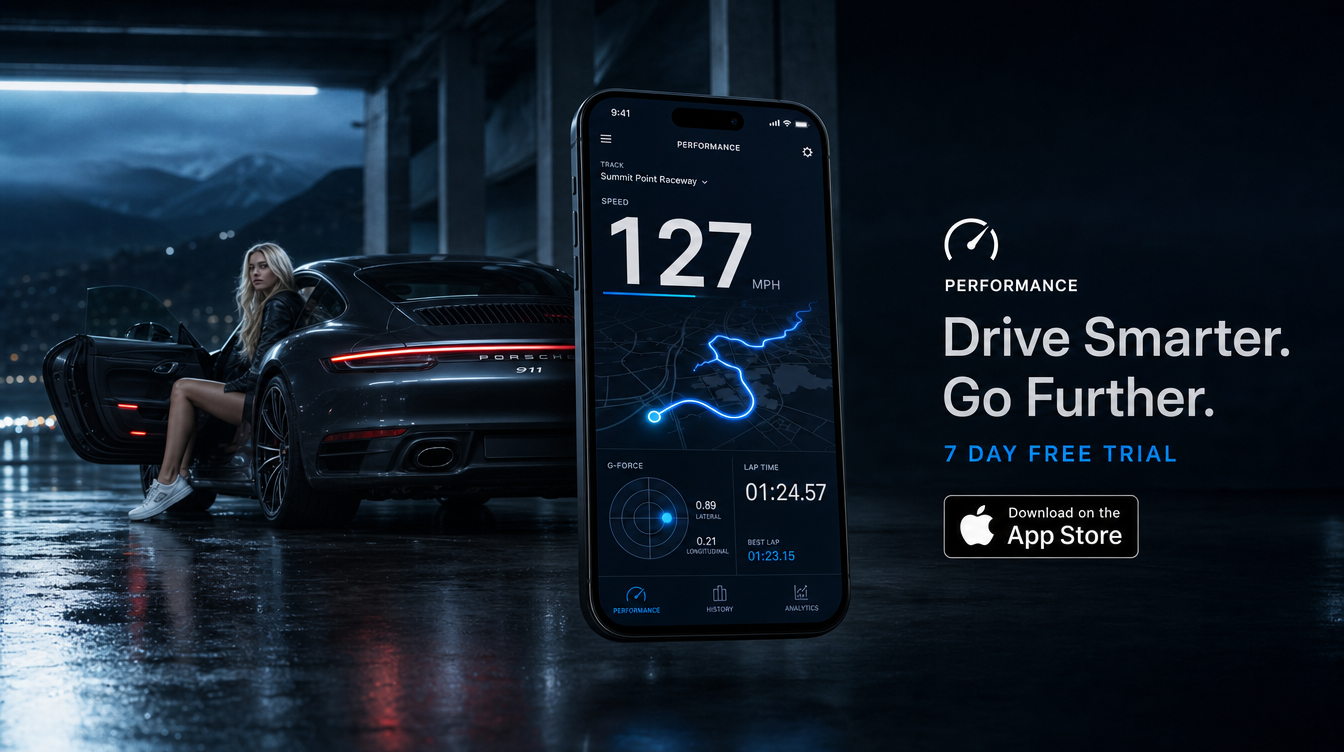

The TripRank Android app is now officially available on Google Play. This announcement, dated 26 October 2026, confirms that Android drivers can download TripRank through its official store listing.
Download TripRank for Android on Google Play. Below, you’ll find the correct listing, the app’s driving-data focus and practical advice before your first drive.
Is the TripRank Android app available now?
Yes. TripRank’s founder has confirmed the official Android release, and the Google Play listing offers an Install option.
The listing uses the title TripRank: SpeedTracker for PRO and identifies Amirmahdi Fathi as the developer. Those details matter because another app also uses the TripRank name.
For clarity, this is an availability announcement, not a claim that every feature matches the iOS edition. Platform-specific integrations need separate confirmation. In particular, Android availability does not establish Apple Watch or CarPlay support on Android.
Meanwhile, existing readers can revisit our introduction to TripRank for the background behind its driving and telemetry focus.
Where can I download TripRank for Android?
Use the official TripRank Google Play link near the start of this article. That takes you directly to the requested app rather than a search results page.
- Open the official listing on your Android phone.
- Check the app title and developer name against the details above.
- Review the compatibility information and permissions shown for your device.
- Follow Google Play’s installation instructions.
- Complete your setup while parked, before beginning a drive.
If you drive with a different phone, TripRank also remains available for iOS. The table identifies the two official download destinations; it does not imply identical features.
| Phone platform | Official store | Availability |
|---|---|---|
| Android | Google Play | Official Android release confirmed |
| iOS | Apple App Store | Available for iOS |
What does the TripRank Android app track?
TripRank’s core purpose is straightforward: it is a driving and performance telemetry companion. It tracks drives with GPS, records trips, and shows performance stats and charts.
As an Android driving telemetry app, its arrival gives Android drivers an official TripRank download destination. However, the launch itself is not evidence that every existing iOS feature has transferred unchanged.
For the broader product background, our guide to how TripRank works explains GPS tracking, scores and Pro features. Read that alongside the current Android listing when checking a specific capability.
Most importantly, treat a driving record as context rather than a target. A useful review asks what happened during the drive, not how to make the next number bigger.
[triprank_promo_banner]
Does TripRank show a speed heatmap after a drive?
A Speed Heatmap is part of TripRank’s established feature set. It colours the recorded route by speed band, giving drivers another way to review a trip.
However, a colour on a route does not establish the posted speed limit or whether a particular speed suited the conditions. Road layout, visibility, weather and traffic still matter.
Likewise, GPS-derived speed deserves context. Our guide to GPS speed accuracy explains the measurement principles behind a recorded speed.
For Android-specific availability and presentation, check the current store description. This announcement does not promise an identical heatmap interface across platforms.
Can TripRank record G-force, braking and cornering?
TripRank’s confirmed Pro feature set includes G-Force Radar and Braking and Cornering Events within its aggregate Stats charts. Those are established product capabilities, not a guarantee of identical Android implementation.
Nevertheless, the underlying driving questions remain useful. Did a braking event follow a sudden traffic change? Did a corner require an unexpected correction? Context makes a trace more informative than a peak figure alone.
For public-road driving, focus on anticipation and smooth control. Keep acceleration tests, top-speed runs and limit-handling work to closed circuits or suitable private venues.
Safety note: Set up your phone before moving, review data only when parked, and reserve performance testing for controlled venues.
Does TripRank require extra hardware?
TripRank’s confirmed trip-recording approach is GPS-only. Its existing app facts also specify offline recording and background operation, although this announcement does not establish Android-specific behaviour for either.
Before relying on any recording session, check the current Android requirements and complete the setup on your own phone. Also, secure the phone where it cannot obstruct your view or interfere with the controls.
For circuit visits, follow the organiser’s mounting and device rules. Our first track day checklist covers the wider preparation that matters before entering the pit lane.
Frequently asked questions
Is TripRank available on Android?
Yes. TripRank’s founder has confirmed the official Android release, and the app is available through Google Play.
Where can I download TripRank for Android?
Download it from the Google Play listing for TripRank: SpeedTracker for PRO, published by Amirmahdi Fathi. Use the official link in this article.
Does Android availability mean every iOS feature is included?
No. Android availability alone does not confirm identical features. Check the current Android listing for platform-specific capabilities and requirements.
Is TripRank still available for iPhone?
Yes. TripRank remains available for iOS through the Apple App Store.
Bottom line
TripRank is officially on Google Play, giving Android drivers a direct route to the app. Start with the correct listing, check the current Android details and complete setup before driving. For iPhone drivers, download TripRank for iOS from the App Store.
Read next
- What Is TripRank? The Driving App, Explained
- How TripRank Works: GPS Tracking, Scores and Pro Features