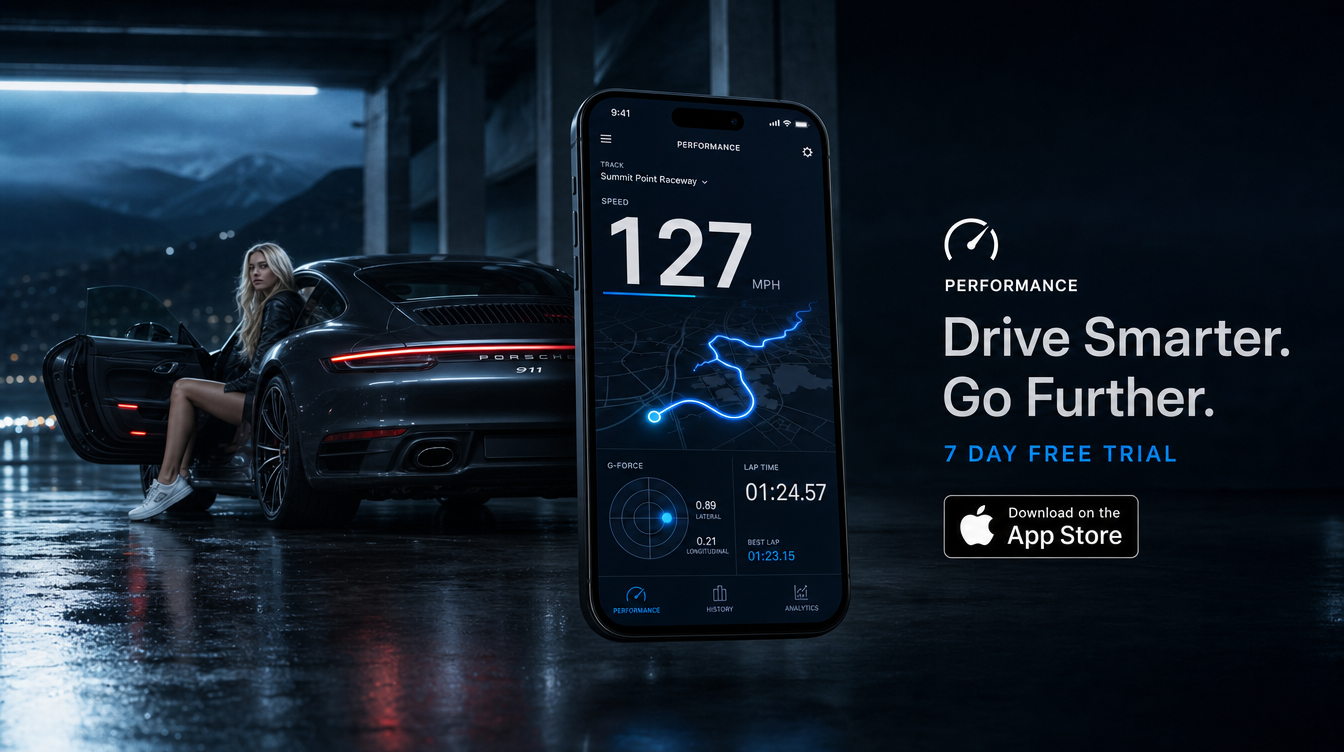

Here is how to measure acceleration with iPhone: use GPS-based timing for acceleration runs, or processed motion-sensor data for g readings. These methods answer different questions, so choose your measurement before choosing an app. For useful comparisons, secure the phone and repeat the same test conditions.
Safety: Test only at a suitable closed circuit or private venue, secure the phone beforehand, and never interact with it while moving.
How do you measure acceleration with iPhone?
Start by deciding whether you want an elapsed time or an acceleration trace. A 0–100 km/h result measures seconds. In contrast, a longitudinal g trace shows how strongly the car accelerates along its direction of travel.
- Choose the result. Select a timed speed interval or a forward-acceleration reading.
- Check the app method. Look for documented GPS timing, gravity compensation, sensor orientation and export options.
- Secure the phone. Use a rigid mount that cannot shift during acceleration or braking.
- Prepare while stationary. Set units, confirm the recording mode and check the required signals.
- Record at the closed venue. Follow venue rules and leave the phone untouched.
- Review after stopping. Inspect the trace and repeat comparable runs before drawing conclusions.
Before testing, use our first track day checklist to cover vehicle preparation. However, circuit access alone does not guarantee permission for standing-start acceleration tests. Confirm the organiser’s rules.
What’s the difference between measuring G-force and timing an acceleration run?
An acceleration time describes how long a speed change takes. A g reading describes acceleration at a particular moment or over a sampling interval.
For example, reaching 100 km/h (62.1 mph) from rest in 5.0 seconds gives an average acceleration of about 5.56 m/s². That equals approximately 0.57 g. However, the peak acceleration during that run may differ substantially.
| Method | Result | Useful for | Main limitation |
|---|---|---|---|
| GPS-based timing | Seconds between speed thresholds | Comparing acceleration runs at a closed venue | Update rate, signal quality and threshold detection |
| Processed motion sensors | Acceleration in g or m/s² | Examining launches, shifts and changes in acceleration | Orientation, gravity separation, vibration and filtering |
| Raw accelerometer | Three-axis readings including gravity | Inspecting sensor behaviour | Not a direct forward-acceleration reading |
| External GNSS timing device | Speed traces and interval times | More controlled timing comparisons | Device specification, setup and compatible software |
The calculation is simple: average acceleration equals change in velocity divided by elapsed time. First convert km/h to m/s by dividing by 3.6. Then divide that velocity change by the measured seconds.
How do you measure 0–60 mph or 0–100 km/h with an iPhone?
To measure 0–60 with iPhone, choose an app that explicitly supports timed speed intervals. Also check whether it uses the phone’s GPS, motion sensors, external hardware or a combination.
At your closed venue, select the interval before moving. Remember that 60 mph equals about 96.6 km/h, so 0–60 mph and 0–100 km/h are not interchangeable.
- Check the start rule. Determine whether timing begins at movement detection or another defined threshold.
- Check rollout. A rollout setting excludes an initial distance, commonly 0.305 metres for one-foot rollout. Compare only matching settings.
- Keep conditions consistent. Record surface, gradient, tyre condition, vehicle load and launch method.
- Repeat sensibly. Allow suitable recovery between runs and respect the venue’s instructions.
- Inspect each result. Exclude obvious signal failures, but do not discard slower runs merely because they disappoint.
Next, report the range alongside your best valid time. A result displayed to 0.01 seconds does not establish accuracy to 0.01 seconds.
Conditions matter too. Our guide to weather and altitude effects on acceleration times explains why identical cars can produce different results.
Does an iPhone accelerometer include gravity?
Yes. Apple’s raw accelerometer documentation describes three-axis readings in gravitational units, where 1.0 represents approximately 9.8 m/s². Those raw readings include gravity.
Consequently, a stationary phone can show roughly 1 g across its axes. Tilting it changes how gravity appears on each axis, even without vehicle acceleration.
For car measurements, an iPhone accelerometer app should explain how it handles gravity and orientation. Apple’s processed device-motion documentation separates gravity from device-specific acceleration.
However, gravity compensation does not automatically identify the car’s forward direction. The software still needs to interpret the phone’s orientation correctly. Simply taking the largest raw reading will not produce a trustworthy launch figure.
Where should you mount your iPhone to measure acceleration?
Use a rigid mount attached to a stable surface. Keep the phone clear of airbags, controls and your sightline. Follow local mounting requirements and venue rules.
For motion measurements, maintain the same orientation throughout the test. A phone sliding in a cupholder measures its own movement as well as the car’s.
Meanwhile, GPS needs a usable satellite signal. Check reception while stationary, especially beneath structures or near tall buildings. Avoid handling the phone between the start and finish of a recording.
Record the mounting position with your test notes. That makes later comparisons easier and helps explain unexpected spikes.
Is an iPhone accelerometer accurate for measuring car acceleration?
It can reveal useful patterns, but there is no universal accuracy figure for every iPhone and app. Mounting, orientation, filtering, vibration and software processing all affect the result.
Apple describes acceleration-event values as approximate in its UIAcceleration documentation and warns against using them for precise measurements. Therefore, treat phone readings as practical observations rather than certified test results.
For iPhone G-force measurement, inspect the whole trace instead of trusting one peak. A brief spike may reflect a bump, mount movement or vibration rather than sustained acceleration.
Likewise, GPS timing depends on signal quality and sampling behaviour. Our guide to GPS speed accuracy explains those limitations. For stronger comparisons, keep the device, app settings and measurement method unchanged.
What app can measure car acceleration on an iPhone?
Choose software around the measurement you need. For interval timing, look for documented start rules and speed thresholds. For motion traces, look for gravity handling and axis interpretation.
TripRank is an iOS driving and performance telemetry companion app. It tracks drives with GPS, records trips, and shows performance stats and charts. Its GPS-only trip recording works fully offline and continues in the background.
The free tier includes unlimited drive tracking and a per-trip Smoothness Score. Stats and charts appear as previews. Pro unlocks aggregate Stats charts, including G-Force Radar, Braking and Cornering Events, plus Apple Watch heart-rate analytics and data export.
For this workflow, those records provide drive context. However, choose your acceleration-timing method separately based on its documented measurement capabilities.
Frequently asked questions
Can an iPhone measure a car’s acceleration?
Yes. Motion sensors can estimate acceleration, while GPS-based software can time changes in speed. However, the result depends on the app method, mounting, signal quality and processing.
Can GPS measure acceleration, or do you need the accelerometer?
GPS can estimate acceleration from changes in velocity over time. An accelerometer measures motion more directly, but its readings need gravity compensation and correct orientation to represent forward car acceleration.
Do you need an external GPS device to measure acceleration?
No, not for basic observations with a compatible iPhone app. However, an external GNSS device may offer faster updates or better-controlled timing. Check its specifications and app compatibility before choosing one.
Is a peak g reading the same as a 0–100 km/h time?
No. Peak g describes the highest measured acceleration, while a 0–100 km/h time describes the duration of a speed change. A brief peak cannot tell you the full acceleration time.
Bottom line
Use timed speed intervals to compare acceleration runs, and processed motion data to study acceleration patterns. Then keep mounting, settings and conditions consistent at a suitable closed venue. For GPS drive records and telemetry context, explore TripRank for iPhone on the App Store.
Read next
- Understanding G-Force: What Your Car Is Actually Doing Mid-Corner
- How TripRank Works: GPS Tracking, Scores & Pro Features