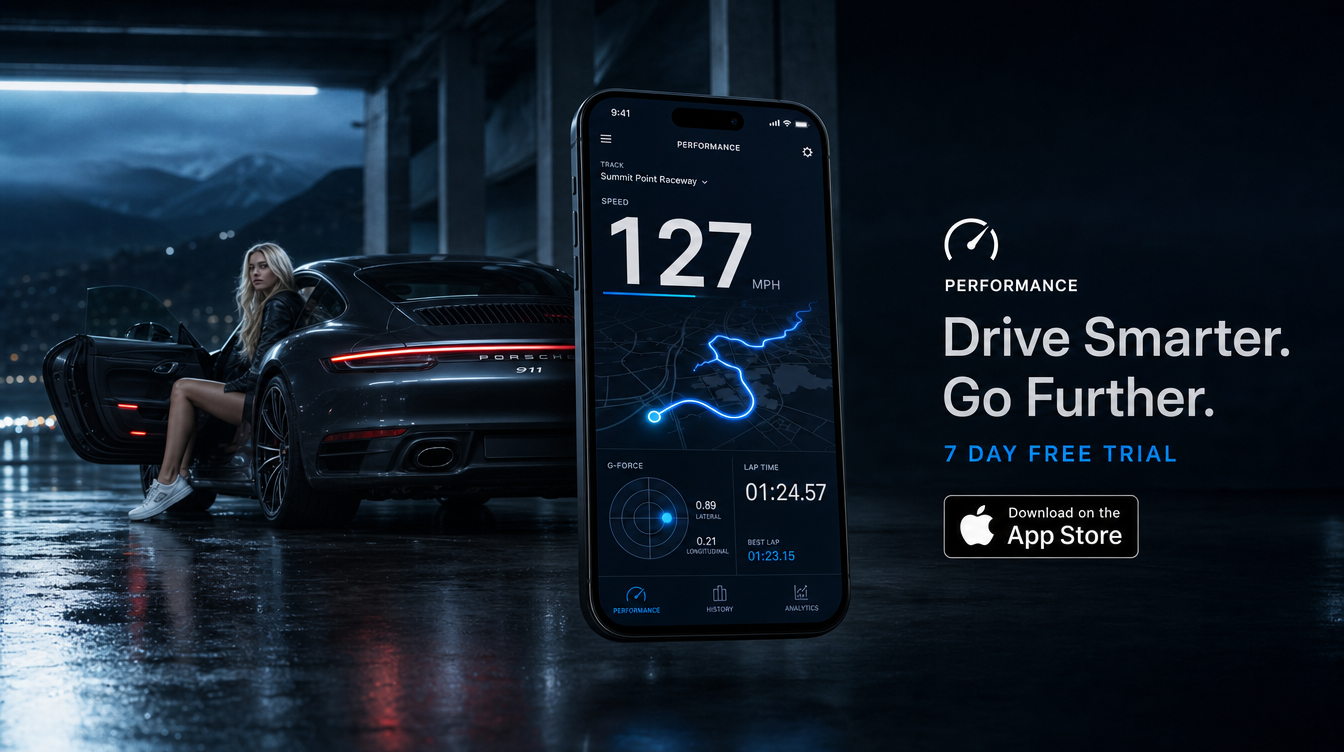
Telemetry usually stops at the car. TripRank pulls Apple Watch heart rate into the trip record, aligned with the speed and G-force trace — so you can see the corner where the car pulled 0.9G and what your pulse did at that exact moment.
-
Synced, not separate
Heart rate lands on the same timeline as speed and G — one trace, all signals.
-
The drive as felt
Composure is measurable. See where the drive was demanding and where it was calm.
-
Hands-free by design
The Watch is also a control surface — interaction without touching the phone, as the terms require.
An honest second channel
Speed tells you what the car did. Heart rate tells you what it cost. Together they make the after-drive review genuinely complete — and the Ice Veins Score draws on exactly this: composure under load, measured rather than guessed.
How the sync works
Grant HealthKit permission once and TripRank pulls Apple Watch heart rate into each trip automatically, aligning the samples with the GPS and G-force timeline after the drive ends. The result is one merged record: the corner, the load the car carried through it, and what your pulse did across those same seconds. It is also an input to the Ice Veins Score — composure under load, measured rather than guessed.
Worth knowing
- Permission stays yours. Heart rate access is opt-in through HealthKit and revocable any time in Settings.
- Negligible battery cost. The Watch is already measuring; TripRank reads what exists rather than running its own sensor session.
- The Watch is also a remote. Start, check, and stop trips from the wrist — the phone stays in the cradle, as it should.